
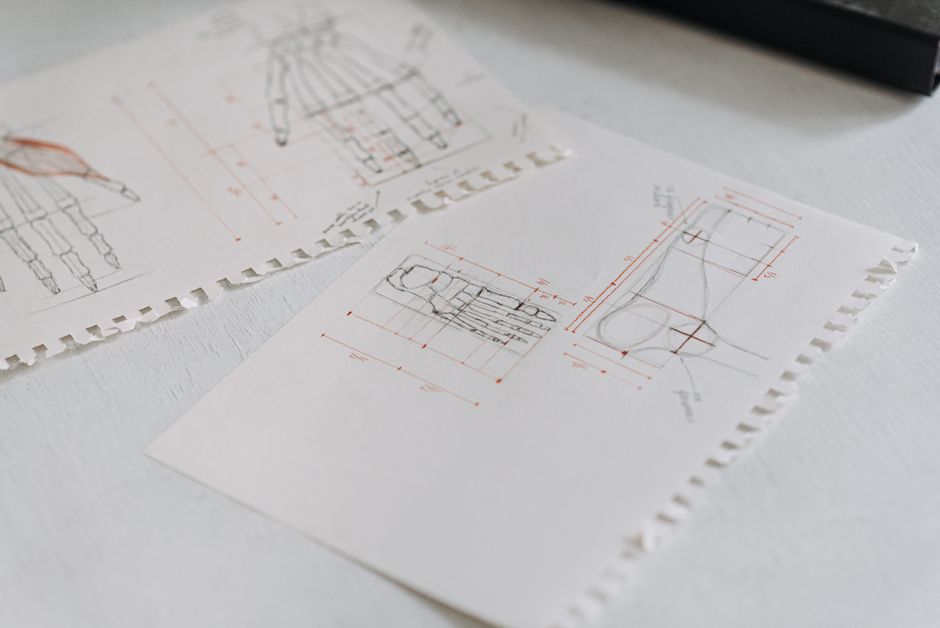
Design Optical Illusions
This Life Lab challenges you to explore the fascinating world of optical illusions by becoming an artist yourself. You'll discover how simple lines and shapes can trick your brain into seeing something that isn't quite there, and then design your very own mind-bending masterpiece.
The lesson goal is in this spark, your learner will identify different types of optical illusions and how they work, design and create a simple optical illusion using common materials and explain how visual perception can be influenced by artistic techniques.
What You Need
Missing something? Don't let it stop you. The app offers easy alternatives for every item you have at home.
Learning Guide
Step-by-step guidance. No preparation required.
- 1
Introduction5 Min
- Share tricky eye experiences.
- Move on when Student shows curiosity and shares an example of something that looked 'tricky' to their eyes.
 Photo by Александр Лич on Pexels
 - 2
Explore & Plan8 Min
- Gather paper, pencil, ruler.
- Discuss what an illusion means.
- Sketch ideas or demonstrate lines.
- Ask about lines tricking eyes.
- Move on when Materials are gathered, and the student has thought about what they might draw or what might create an illusion.
 Photo by Google DeepMind on Pexels
 - 3
Discussion6 Min
- Discuss how lines and shapes trick eyes.
- Move on when Student can articulate one or two ideas about how visual elements might create a trick.
- 4
Activity9 Min
- Get paper, pencil, ruler.
- Draw parallel straight lines.
- Add small, spaced dots.
- Connect dots with curved lines on all parallels.
- Observe the wobbly effect.
- Experiment with new ideas.
- Move on when Student has completed the physical activity.
Photo by Anete Lusina on Pexels - 5
Summary2 Min
- Discuss illusions and what you learned.
- Move on when Student shares one key takeaway.
 Photo by Kaique Rocha on Pexels
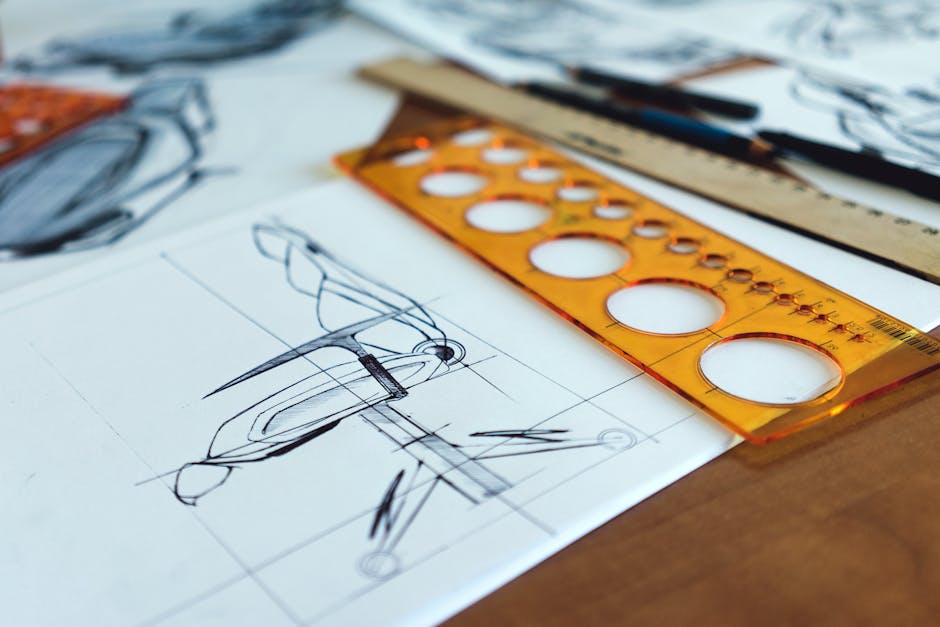
Personalize The Spark
Fine-tune the steps to your child's exact level and add a personalized twist—100% free to tailor right here
We'll email your personal PDF and save this Spark to a free Mai account, so Mai can do it with your child in the app.