
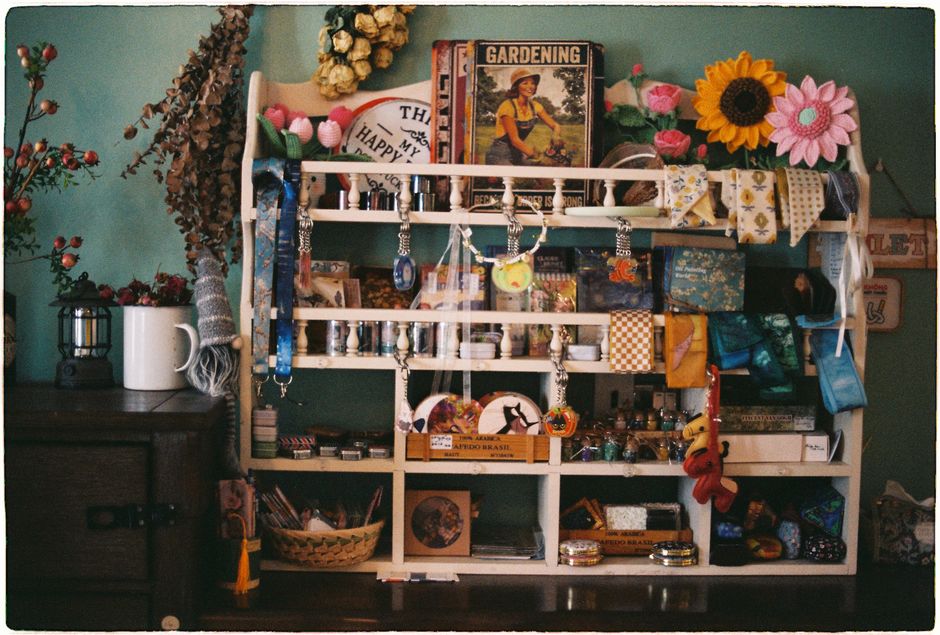
Fall Cozy Corner
Get ready to embrace autumn by exploring nature's transformations and creating a warm, inviting space. This challenge involves observing the world around us, gathering natural elements, and using creativity to prepare our homes for the cooler fall season. It's all about noticing how things change and adapting to them.
The lesson goal is in this spark, your learner will identify observable changes in nature that signal the arrival of fall, explain the concept of adaptation in response to seasonal shifts and collaborate to design and create a functional 'cozy corner' using natural and household materials.
What You Need
Missing something? Don't let it stop you. The app offers easy alternatives for every item you have at home.
Learning Guide
Step-by-step guidance. No preparation required.
- 1
Introduction5 Min
- Share what you've noticed outside?
- Move on when Students share at least one observation about the changing season.
 Photo by Markus Winkler on Pexels
 - 2
Explore & Plan8 Min
- Brainstorm outdoor fall items.
- List cozy indoor materials.
- Plan your cozy corner.
- Move on when Students have brainstormed a list of natural and household items to gather for their cozy corner.
 Photo by Elif Sevim on Pexels
 - 3
Discussion6 Min
- Discuss how things adapt to fall.
- Move on when Student can explain the core concept of adaptation in their own words and provide an example not directly given.
 Photo by Nancy Ottevaere on Pexels
 - 4
Activity9 Min
- Collect natural fall treasures.
- Gather cozy household items.
- Build your 'Cozy Fall Corner'.
- Move on when Student has completed gathering natural items and arranged them with household materials to create their cozy corner.
- 5
Summary2 Min
- Share your favorite part or takeaway.
- Move on when Student shares one key takeaway or a favorite aspect of the activity.
 Photo by Gustavo Fring on Pexels
Personalize The Spark
Fine-tune the steps to your child's exact level and add a personalized twist—100% free to tailor right here
We'll email your personal PDF and save this Spark to a free Mai account, so Mai can do it with your child in the app.