
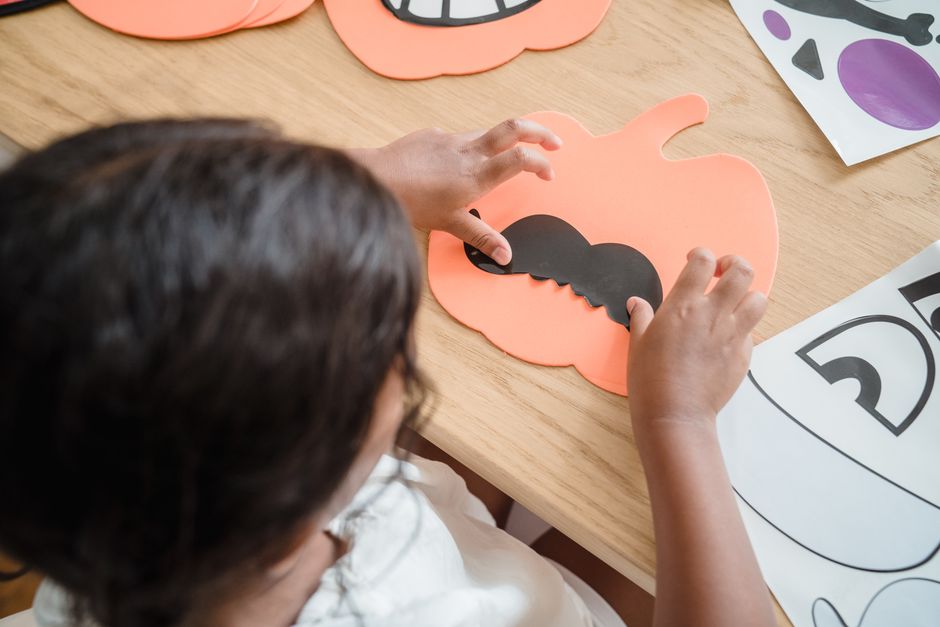
Spooky Fun Lanterns
This challenge invites learners to design and create a unique Halloween decoration that captures the spirit of 'spooky-fun'. Through hands-on crafting, they'll explore creative expression while understanding the traditions of Halloween.
The lesson goal is in this spark, your learner will apply creative design principles to craft a Halloween decoration, explore the balance between 'spooky' and 'friendly' aesthetics and develop fine motor skills and problem-solving through hands-on construction.
What You Need
Missing something? Don't let it stop you. The app offers easy alternatives for every item you have at home.
Learning Guide
Step-by-step guidance. No preparation required.
- 1
Introduction5 Min
- Share favorite Halloween traditions?
- Move on when Student engages in discussion and shares their initial thoughts on Halloween.
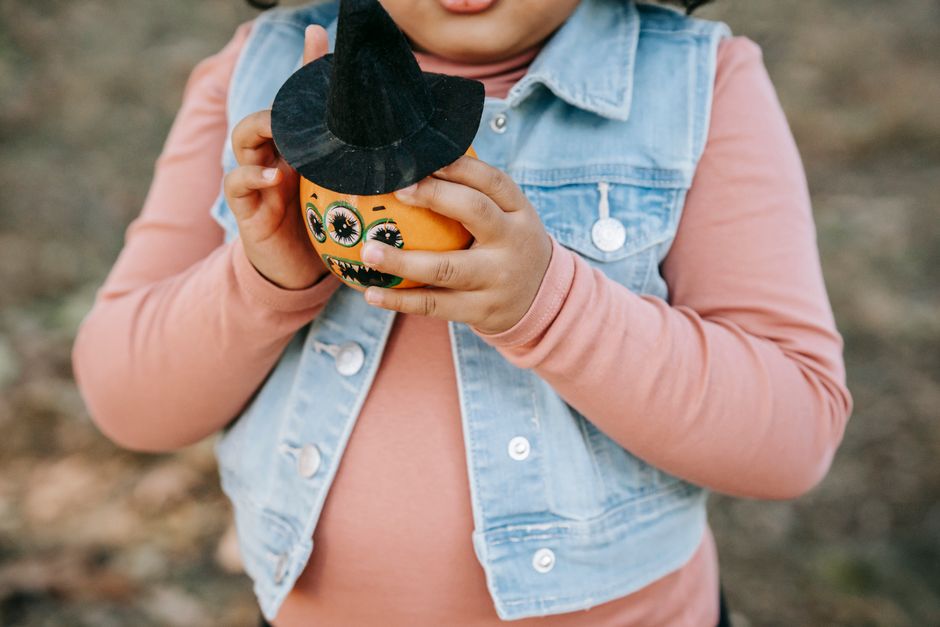 Photo by Charles Parker on Pexels
 - 2
Explore & Plan8 Min
- Lay out all crafting materials.
- Brainstorm 'spooky-fun' lantern ideas.
- Discuss which materials to use.
- Move on when Student has a preliminary idea for their lantern and has considered which materials to use.
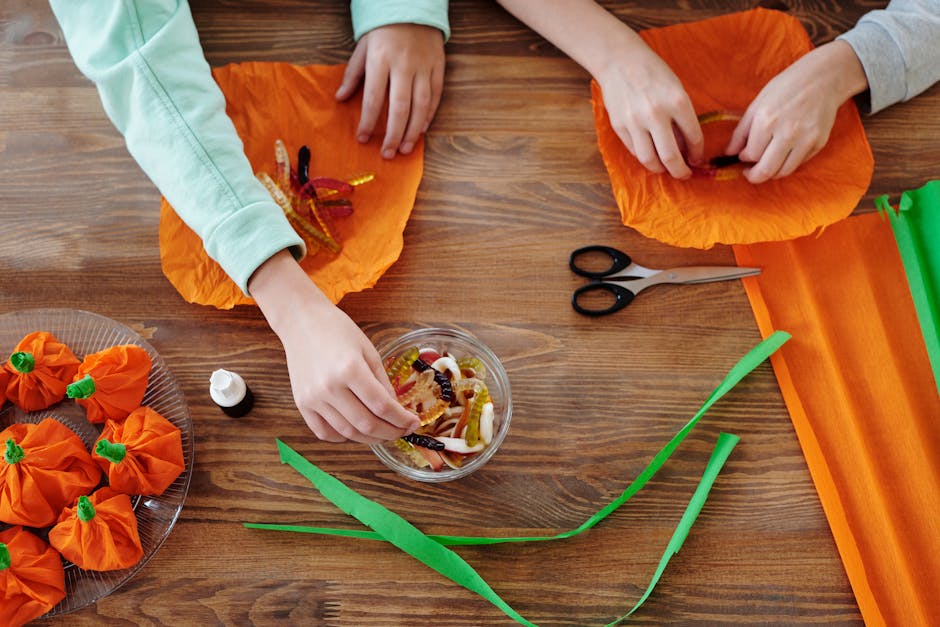 Photo by Daisy Anderson on Pexels
 - 3
Discussion6 Min
- Discuss 'spooky' vs. 'fun' balance.
- Move on when Student articulates their design choices and the balance between 'spooky' and 'fun' in their concept.
 Photo by Tosin Olowoleni on Pexels
 - 4
Activity9 Min
- Begin creating your lantern design.
- Cut out desired shapes for decorations.
- Decorate your lantern using markers.
- Attach pieces with glue or tape.
- Solve any crafting challenges together.
- Move on when Student has completed the physical creation of their 'spooky-fun' lantern.
Photo by Mike Jones on Pexels - 5
Summary2 Min
- Reflect on your finished lantern.
- Move on when Student shares one key takeaway or reflects on their creative process and outcome.
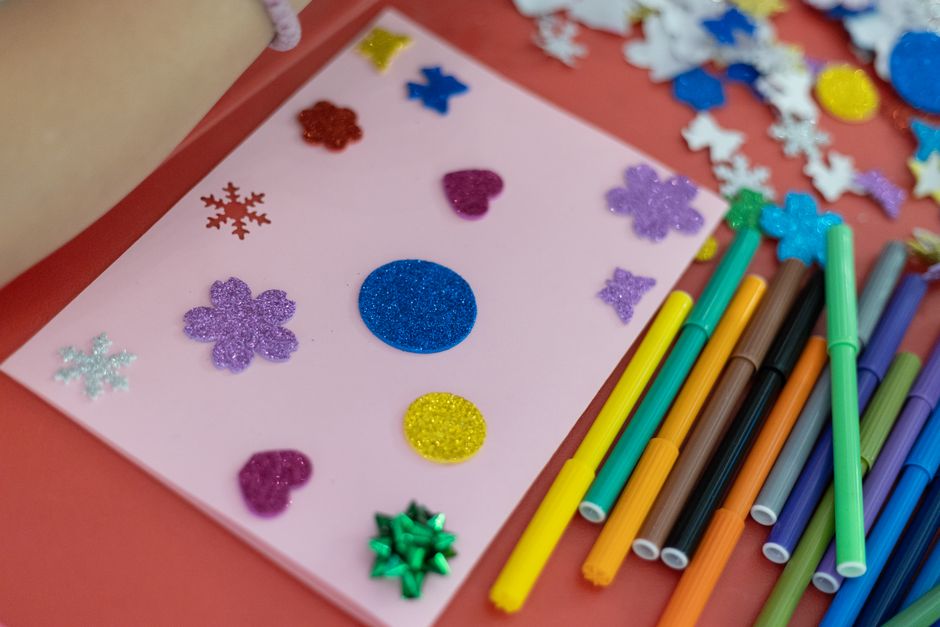 Photo by Boris Hamer on Pexels
Personalize The Spark
Fine-tune the steps to your child's exact level and add a personalized twist—100% free to tailor right here
We'll email your personal PDF and save this Spark to a free Mai account, so Mai can do it with your child in the app.