
Rainbow Density Tower
Discover the science of density by creating a stunning layered liquid tower. This challenge explores why some liquids float while others sink, using common household ingredients to build a vibrant, gravity-defying display.
The lesson goal is in this spark, your learner will predict how different liquids will layer based on their density, construct a multi-layered liquid column with distinct boundaries and explain the concept of density in relation to floating and sinking.
What You Need
Missing something? Don't let it stop you. The app offers easy alternatives for every item you have at home.
Learning Guide
Step-by-step guidance. No preparation required.
- 1
Introduction5 Min
- Ask about floating, sinking, and mixing.
- Move on when Student engages with Mai's question, sharing an observation or a 'wondering' about floating/sinking.
 Photo by Denys Gromov on Pexels
 - 2
Explore & Plan8 Min
- Gather glass, water, oil, honey/soap.
- Predict liquid layering order.
- Move on when Student has gathered materials and articulated a prediction about the layering order and their reasoning.
 Photo by ManojMk Brucelee on Pexels
 - 3
Discussion6 Min
- Explain layering predictions and reasoning.
- Move on when Student can explain their predictions for liquid layering and the reasoning behind them.
 Photo by Gustavo Fring on Pexels
 - 4
Activity9 Min
- Set up a stable pouring surface.
- Carefully pour the first liquid.
- Carefully pour the second liquid.
- Carefully pour the third liquid.
- Observe the liquid layers.
- Move on when Student has successfully poured all liquids into the glass, observing the layering (or mixing) effect.
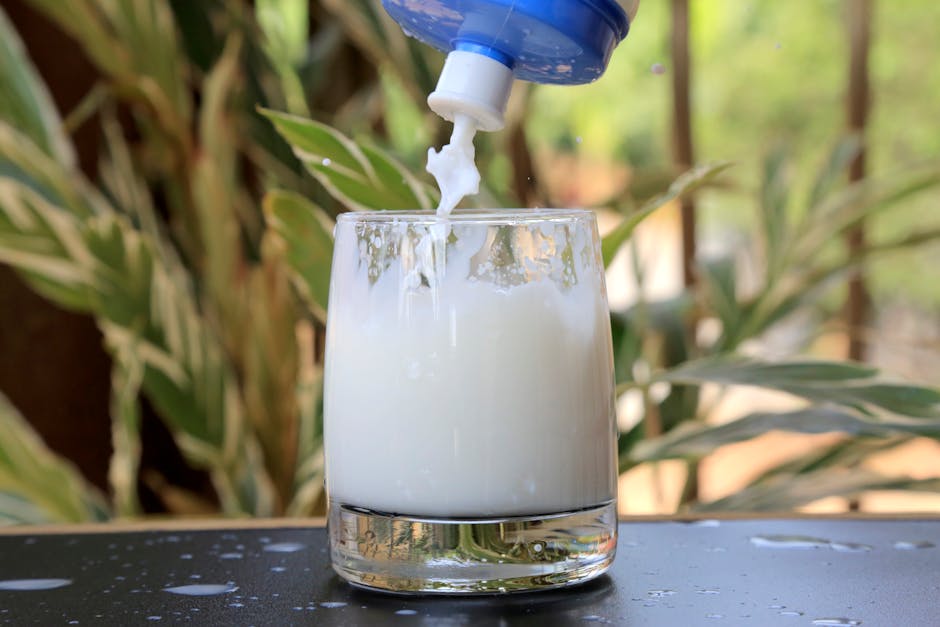
Photo by Bamusiime Sylvia on Pexels - 5
Summary2 Min
- Reflect on observations and explain layering.
- Move on when Student shares one key observation or learning from the activity and attempts to explain it.

Personalize The Spark
Fine-tune the steps to your child's exact level and add a personalized twist—100% free to tailor right here
We'll email your personal PDF and save this Spark to a free Mai account, so Mai can do it with your child in the app.