

Toy Sort Challenge!
This lesson challenges young learners to sort a collection of everyday objects based on various attributes. Children will discover different ways to group items, building foundational skills in classification and logical thinking.
The lesson goal is in this spark, your learner will identify observable attributes of objects like color, size, and type, group objects into categories based on a chosen shared attribute and articulate the rule or characteristic used to sort objects.
What You Need
Missing something? Don't let it stop you. The app offers easy alternatives for every item you have at home.
Learning Guide
Step-by-step guidance. No preparation required.
- 1
Introduction5 Min
- Present the mixed items pile
- Move on when Student engages with the mixed items and expresses initial thoughts on organization.
- 2
Explore & Plan8 Min
- Have child explore items physically
- Ask about item attributes
- Encourage grouping suggestions
- Move on when Student identifies at least two different attributes of the objects (e.g., color, size, type) and suggests a way to group them.
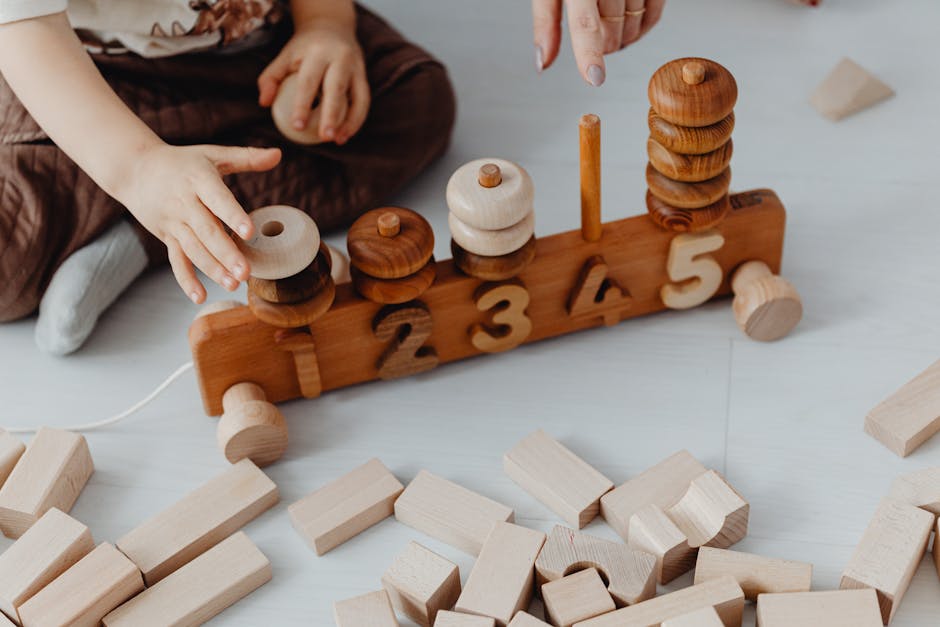 Photo by https://kaboompics.com/ on Pexels
 - 3
Discussion6 Min
- Ask child to explain a sorting rule
- Move on when Student can explain a simple sorting rule in their own words (e.g., 'put all the red ones together').
 Photo by RDNE Stock project on Pexels
 - 4
Activity9 Min
- Provide bowls and mixed items
- Ask child to choose a sorting rule
- Have child physically sort the items
- Ask about their sorting choices
- Move on when Student has completed the physical sorting of items into distinct groups based on at least one attribute.
Photo by https://kaboompics.com/ on Pexels - 5
Summary2 Min
- Reflect on sorting and real-world uses
- Move on when Student shares one key takeaway or a favorite part about sorting.
 Photo by Stephen Andrews on Pexels
Personalize The Spark
Fine-tune the steps to your child's exact level and add a personalized twist—100% free to tailor right here
We'll email your personal PDF and save this Spark to a free Mai account, so Mai can do it with your child in the app.